Modern Flyer or Brochure Templates: Clean, Professional Design Assets
When you're putting together marketing materials for a business, event, or personal project, the template you choose sets the entire tone. A poorly designed flyer can undermine credibility before anyone reads a single word. That's where Modern Flyer or Brochure Templates come in — they offer a polished, presentable foundation that lets your content shine without wrestling with layout from scratch.
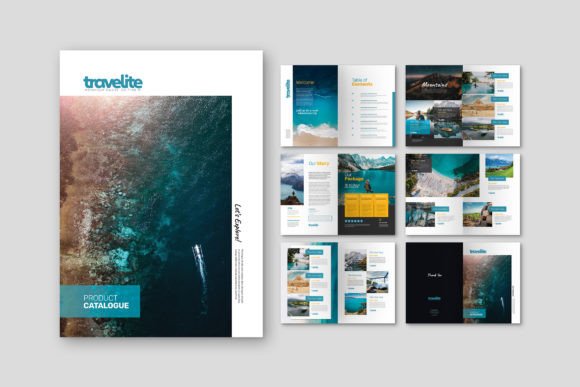
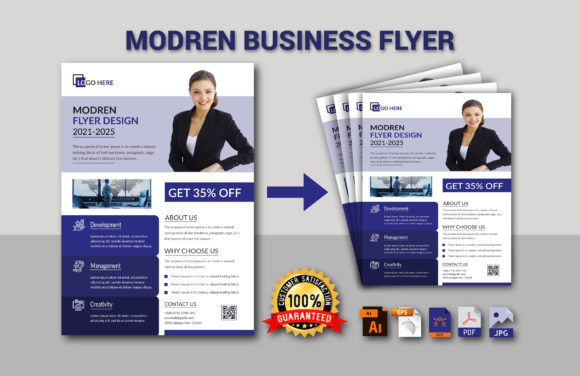
What makes this particular template stand out is its commitment to clean design principles. The visual personality leans toward contemporary minimalism with a professional edge. There's no clutter competing for attention, no decorative elements that serve no purpose. Instead, you get well-structured layouts with clear visual hierarchy, modern typography choices, and breathing room that lets each element stand on its own. The overall appeal works across industries precisely because it doesn't try too hard to be trendy — it simply looks sharp and intentional.
Where This Template Truly Works
The versatility of Modern Flyer or Brochure Templates is one of its strongest qualities. Corporate teams can use it for quarterly reports, service brochures, or internal communications. Entrepreneurs launching a new product will find the layout structure supports product photography and feature highlights without feeling cramped. Event organizers can adapt it for conference programs, gala invitations, or workshop announcements.
Small business owners, in particular, benefit from templates like these. A local restaurant updating its catering menu, a fitness studio promoting a new class schedule, or a freelance photographer building a portfolio piece — all of these scenarios call for professional-looking print materials without the budget for a custom design agency. The template bridges that gap effectively.
Digital applications matter too. While the template is optimized for print at A4 dimensions (21cm x 29.7cm) with 300 DPI resolution, the included file formats — AI, EPS, SVG, PDF, and JPEG — give you flexibility for web use, email campaigns, and social media graphics. Export a section as a JPEG for an Instagram post, or use the SVG for a website banner. The format variety means you're not locked into a single output.
Color Variants and Customization Options
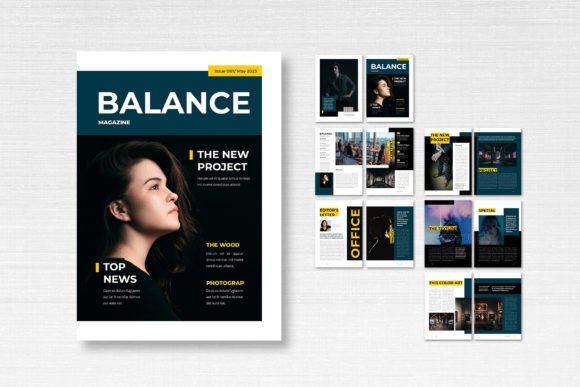
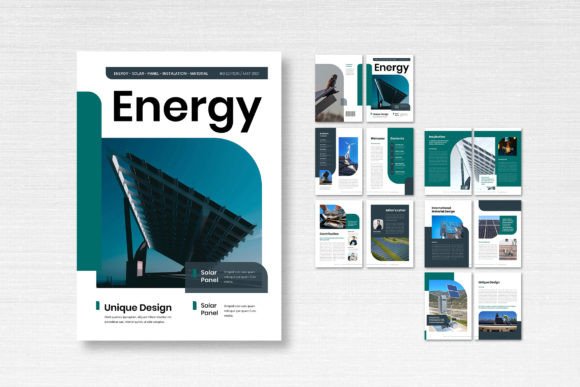
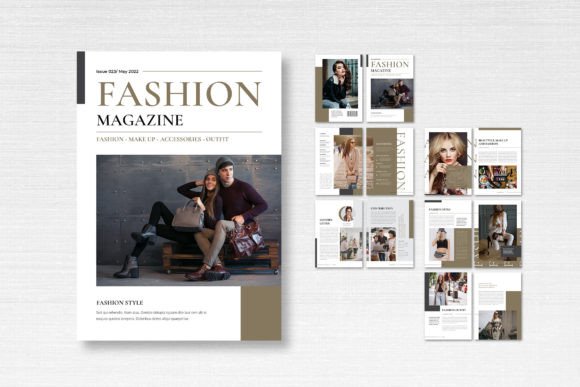
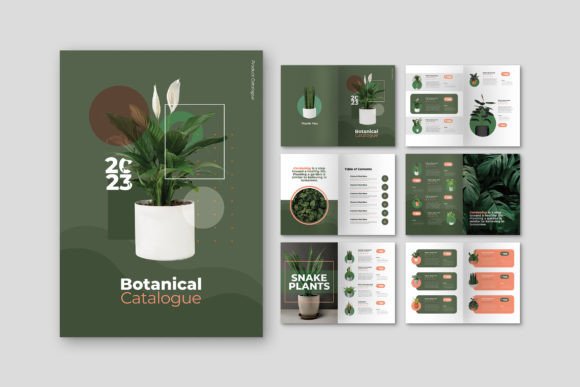
Three color variants come included: Black, Blue, and Golden. Each carries a different mood. The black version projects authority and sophistication — think luxury brands, high-end services, or evening events. Blue communicates trust, reliability, and professionalism, making it a natural fit for financial services, healthcare, or technology companies. The golden variant adds warmth and prestige, working well for hospitality, real estate, or celebratory occasions.
Having these three options means you can match the template to existing brand identity guidelines without extensive color reworking. If none of the three aligns perfectly with your palette, the fully editable format in Adobe Illustrator lets you adjust every color, swap fonts, and reposition elements to suit your specific needs.
The template uses CMYK color format, which is essential for accurate print reproduction. Designers who've worked with RGB files sent to print shops know the frustration of color shifts. This template avoids that problem entirely. The 0.125-inch bleed is another practical detail — it ensures your design extends to the edge of the page after trimming, eliminating those awkward white borders that scream "amateur print job."
Typography and Readability Considerations
The modern typography choices in this template prioritize legibility. Headlines grab attention without sacrificing clarity, and body text maintains comfortable reading sizes. This balance matters more than most people realize. A flyer that looks stunning on screen but becomes illegible when printed at actual size defeats its purpose entirely.
Font pairing within the template demonstrates thoughtful contrast — likely combining a clean sans serif font for headings with a readable body typeface. This approach creates natural visual hierarchy that guides the reader's eye from headline to subheading to supporting details. If you're considering swapping in your own fonts, test the pairing at actual print size before committing. What looks balanced on a 27-inch monitor might feel cramped on a printed A4 sheet held at arm's length.
The free fonts used in the template eliminate licensing headaches, which is a practical consideration many designers overlook until they receive a cease-and-desist letter. Every font included is cleared for both personal and commercial use, so you can distribute printed materials confidently.
Practical Guidance for Using These Design Assets
Start by evaluating whether the template's structure supports your content volume. A service-based business with five offerings and contact information fits differently than a nonprofit telling a story with multiple testimonials. Look at the layout's content zones and mentally map your information before committing.
The well-organized layers deserve special mention. Anyone who's opened a poorly structured template file knows the frustration of hunting through hundreds of unnamed layers trying to locate a single text block. Properly organized layers save hours during customization, especially when multiple team members might edit the file over time.
Consider your audience's expectations. A tech startup's brochure should feel different from a wedding planner's, even using the same base template. The black color variant with minimal ornamentation suits the startup. The golden variant with adjusted typography could transform the same layout into something romantic and elegant. The template provides the skeleton — your content and styling decisions provide the personality.
Finally, always proof a physical test print before running a full batch. Screen colors and print colors differ, small text that looked crisp at zoom might blur at 100%, and paper stock affects how colors and typography actually read in someone's hands. These templates give you a professional starting point, but the final quality depends on attention to these finishing details.