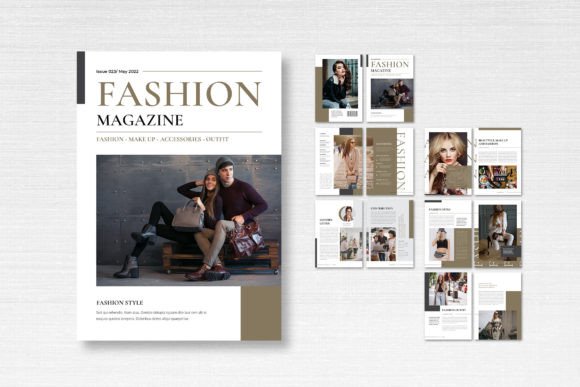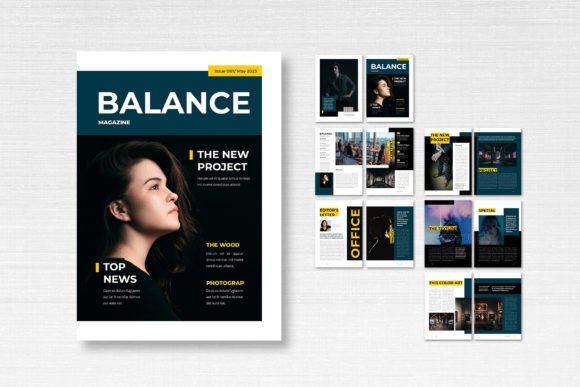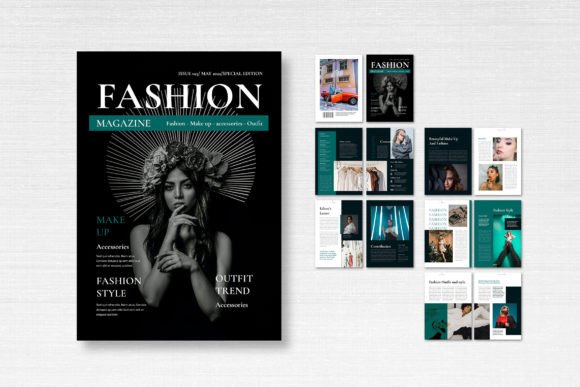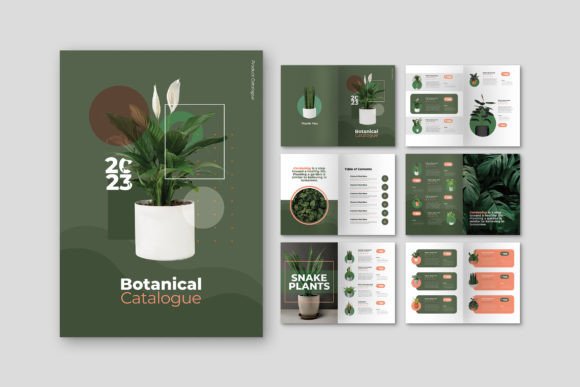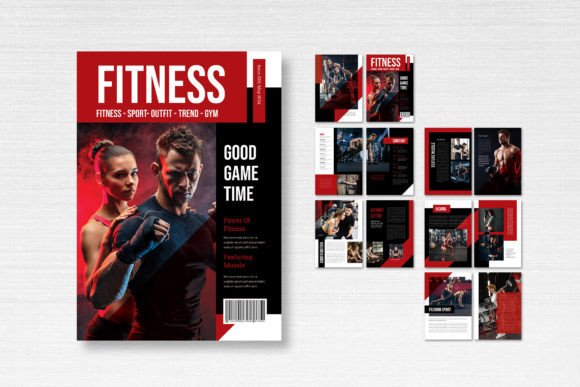
Magazine Template – Sport: Your Blueprint for Dynamic Editorial Design
More Than a Template: A Foundation for Professional Publishing
Creating a professional magazine from scratch is a monumental task. The layout, the grid, the typographic system, the image placement—it all requires significant time and expertise. This is where a well-constructed template becomes an invaluable asset, not a creative crutch. Magazine Template – Sport is exactly that: a professional, clean, and fully editable Adobe InDesign framework designed to accelerate your publishing workflow. It’s a starting point built on solid design principles, offering a structured yet flexible canvas for magazines, lookbooks, catalogs, journals, and other multi-page editorial projects.
Its visual personality is one of confident clarity. The layout employs a classic, balanced grid that prioritizes readability and visual hierarchy. You won’t find overly trendy or distracting elements here. Instead, the design uses clean lines, ample white space, and logical organization to let your content—whether it’s sports photography, athlete profiles, or training guides—take center stage. This is modern typography in service of the story, creating an environment that feels both authoritative and accessible. The overall appeal is one of understated professionalism, making it suitable for a wide range of topics beyond athletics, from fitness and wellness to business and lifestyle.
Strategic Applications: Where This Template Shines
The true value of Magazine Template – Sport lies in its adaptability. It’s a versatile design asset that can be molded to fit numerous creative and commercial objectives. For entrepreneurs and small business owners, it’s a fast track to producing a high-quality lookbook or product catalog that reinforces brand identity. The consistent layout ensures that every page feels cohesive, building recognition and trust with your audience.
Content creators and bloggers can leverage it to repurpose their best work into a downloadable PDF magazine or a stunning media kit. Imagine compiling your top articles, tutorials, or case studies into a polished digital publication that showcases your expertise. For publishers and designers, it serves as a robust starting point for client projects in editorial design, saving hours on initial setup while allowing complete customization to match a specific brand identity. The template’s clean structure is particularly effective for projects where content clarity is paramount, such as annual reports, educational materials, or sports programs.
Practical Guidance: Working with the Template
Adopting a template like this requires a strategic approach to ensure it serves your project’s unique needs. First, evaluate the fit. The 14-page structure, including front and back covers, is ideal for shorter publications. Examine the included master pages and paragraph styles in the InDesign file. These are your control center for maintaining consistency in headers, body text, pull quotes, and captions. Understanding and customizing these styles is key to efficient editing.
Font pairing is a critical consideration. The template specifies the use of free fonts from DaFont or Google Fonts, which is a significant advantage for accessibility and cost. When selecting your typefaces, think about contrast and hierarchy. A common and effective approach is pairing a clean sans serif font for headlines with a highly readable serif font for body copy. This combination enhances readability and creates a clear visual distinction between different content levels. Always test your chosen fonts at the scale they’ll be used, ensuring they remain legible in both print and digital formats.
Remember, the images shown in previews are placeholders. Your own high-resolution photography or curated stock images will define the template’s final look. Use the smart layers and neatly organized layers to easily swap in your assets. Finally, respect the technical specifications: the A4 size (21cm x 29.7cm), CMYK format, 300 DPI resolution, and 3 mm bleed are all set for professional print output. If your project is digital-only, you can convert the color mode to RGB, but maintaining the resolution and bleed ensures flexibility for future print runs.